 Technical troubleshooting tips – Online Assessments
If you need help while you are using the Testgrid platform, navigate and click on the 'Live Chat' button at the bottom right to start a chat with a member of our support team.

When the chat window opens, enter your details and a description of your query. You can also review the “Top results” that appear to see if that helps you troubleshoot the issue you are experiencing.
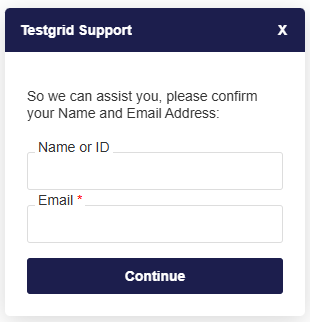
If we can’t respond to your chat message straight away, we may ask you to leave your email details and we will get back to you as soon as possible.