

After activating your account, log in to Testgrid using your account username and password. Your account username is the email address you used during the account creation step.
From the Participant Dashboard, the Task list section will display the name of your evaluation and the deadline date (and time) for you to complete your assessment(s).
From the Task list section, go to the Actions column and click the "Start” link to see the specific assessments and allocated time to complete each (where timed).
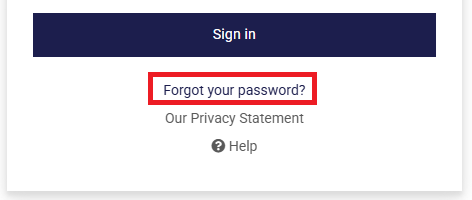
If you’ve forgotten your password, you can reset it by selecting the "Forgot your password?" link on the log in screen.
If you still can't log in successfully, click the “Contact Us” button at the top of the page to email our Support team.