 Technical troubleshooting tips – Online Assessments
If you are having trouble clicking on the "Start" button or "Resume" link, or if clicking these returns you to the Testgrid home page, you may be locked out of your testing session.
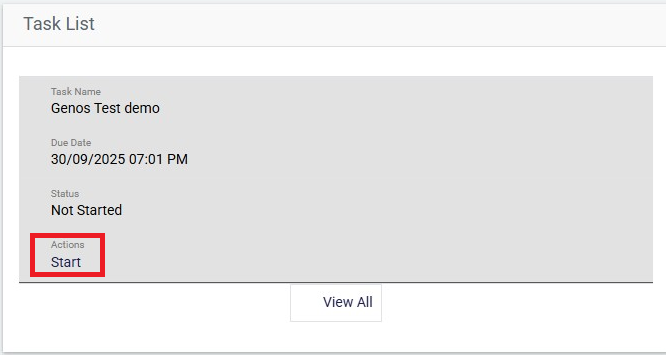
To troubleshoot if this is the case:
- Check you are using a stable internet connection.
- If using a mobile device, try switching to a desktop device if possible.
- Ensure you do not close, refresh, or go back while testing is in progress.
Still unable to start or resume? Please email our Support team using the ‘contact us’ link at the top right of this page.