To get started with your online assessment, you’ll first need to create and activate an account so you can use the Testgrid platform.
Step 1: Create Your Testgrid Account
- Simply click on the “Click here to accept invitation” link from your invitation email.
- Once you’re on the Testgrid home page, select the “Sign up” button.
- Just follow the step-by-step instructions to finish registering your account.
Record your password or save it in your browser. Your username will be the email address you used during account registration.
Step 2: Activate your Testgrid account
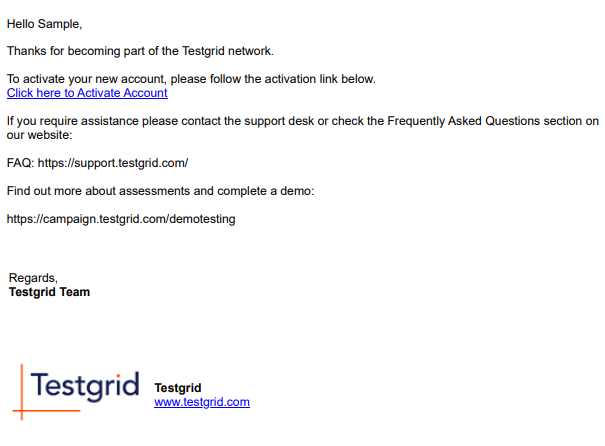
After creating your account, you’ll get an activation email from Testgrid within 10 minutes.
Once received, find and click the “Click here to Activate Account” link to complete your account setup.