
To open a live chat in Vieple click on the "Help" button in the bottom right corner.

Enter your issue in the search bar and review the “Top results” that appear. You can also click the 'Live Chat' button at the bottom right to start a chat and submit your question.
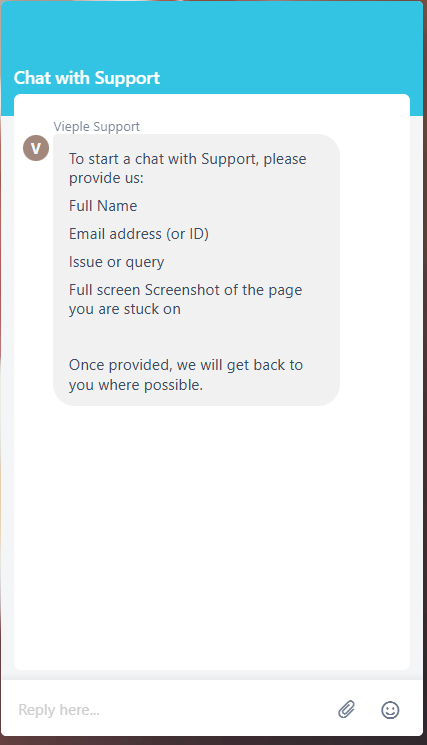
If we can’t respond to your chat straight away, we will ask you to email us and we will get back to you as soon as possible
