
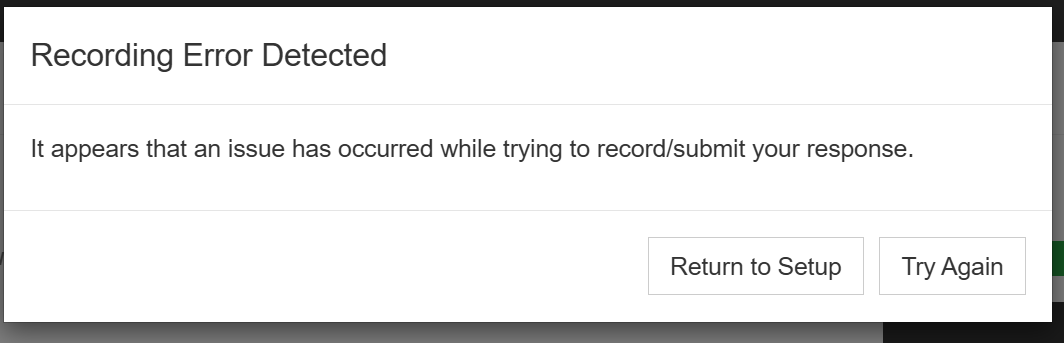
If you are receiving the above screen message, follow the troubleshooting tips below:
Check Your Device and Internet Connection:
- Use a strong, stable connection: home WiFi, ethernet, mobile hotspot, or mobile data.
- Disable any VPN or private relay network.
- Make sure you’re on a personal (not work-provided) device.
If you have checked all of the above and are still receiving the error message;
Try using a different device
If you have access to a different device, this may be a quick way to resolve your current issue. To access Vieple on an alternative device, simply head to live.vieple.com using the browsers recommended below:
For desktop PC or Mac – use Google Chrome, Microsoft Edge, Safari or Firefox
For Apple iOS mobile devices – use Safari
For Android mobile devices – use Google Chrome
Note: You may also need enable Camera and Microphone settings on the new device Granting Camera and Microphone Permissions in Vieple
Need more help? click on ‘Contact us’ (in the top right header of this page) to email a member of our support team for assistance.
