Create your Testgrid Scheduler account Create your Testgrid Scheduler account |  Book your appointment – Testgrid Scheduler Book your appointment – Testgrid Scheduler |
Log in to Testgrid Scheduler
Once you’ve created your account and you are ready to book:
- If you’ve just created your account, you can proceed click on the “Login” button on screen or log in here Testgrid Scheduler
- At the sign in page, enter your username (email address) and password details
- Click “sign in”
After signing in, the home page (Bookings list) screen displays the appointment type(s) you need to book as part of the process you are participating in.
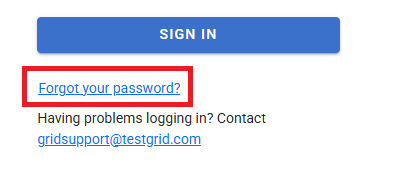
If you are having trouble with your password or are unsure of your existing password, you can simply reset it using the "Forgot Password?" link at the login page.